


AI tools are no longer just nice-to-have extras. In 2026, they help people research faster, write better, code more efficiently, automate repetitive work and create content at scale.
But the problem is simple: there are now too many tools, and most lists just throw names together without showing what each tool is actually best for.
In this guide, we break down some of the best AI tools in 2026 for different use cases, including research, writing, coding, design, automation and SEO.
Quick answer: what are the best AI tools in 2026?
If you want the short version, these are some of the strongest AI tools right now:
- ChatGPT – best all-round AI assistant
- Claude – best for thoughtful long-form writing and analysis
- Gemini – best for Google ecosystem users
- Perplexity – best for AI-powered research
- Cursor – best for AI coding workflows
- Midjourney – best for high-end AI image generation
- Canva – best for easy AI-powered design
- Zapier – best for automation
- Make – best for advanced visual automation
- Semrush AI Visibility – best for AI search and brand visibility insights
How we selected these AI tools
This list is based on current market relevance, practical use cases, feature strength and how useful each tool is for real work. Instead of trying to include every AI product on the market, we focused on tools that are already widely used or clearly useful for business, creative work and productivity.
1. ChatGPT
Best for: general AI assistance, brainstorming, writing, summarising and everyday workflows.
ChatGPT remains one of the most versatile AI tools available. It can help with ideation, content planning, summaries, structured writing, coding help and workflow support. For many users, it is still the default starting point when they need an AI assistant that can handle many different tasks in one place.

2. Claude
Best for: long-form writing, document analysis and careful reasoning.
Claude has become especially popular among users who want a calmer, more thoughtful AI writing and analysis experience. It is often preferred for structured long-form output, summaries, strategy drafts and working through detailed documents.
3. Gemini
Best for: users who work heavily inside the Google ecosystem.
Gemini is a strong choice for people using Google products like Gmail, Docs, Drive and Search. It fits especially well into workflows where Google tools already play a central role.
4. Perplexity
Best for: AI-powered research and finding cited answers quickly.
Perplexity stands out because it combines AI-generated answers with a research-oriented experience. It is useful when you want fast information with a clearer sense of where the answer comes from.
5. Cursor
Best for: AI coding support and developer productivity.
Cursor has become one of the most talked-about AI coding tools. It helps developers write, refactor and understand code more efficiently, making it one of the best AI tools in 2026 for engineering workflows.
6. Midjourney
Best for: artistic and visually striking AI image generation.
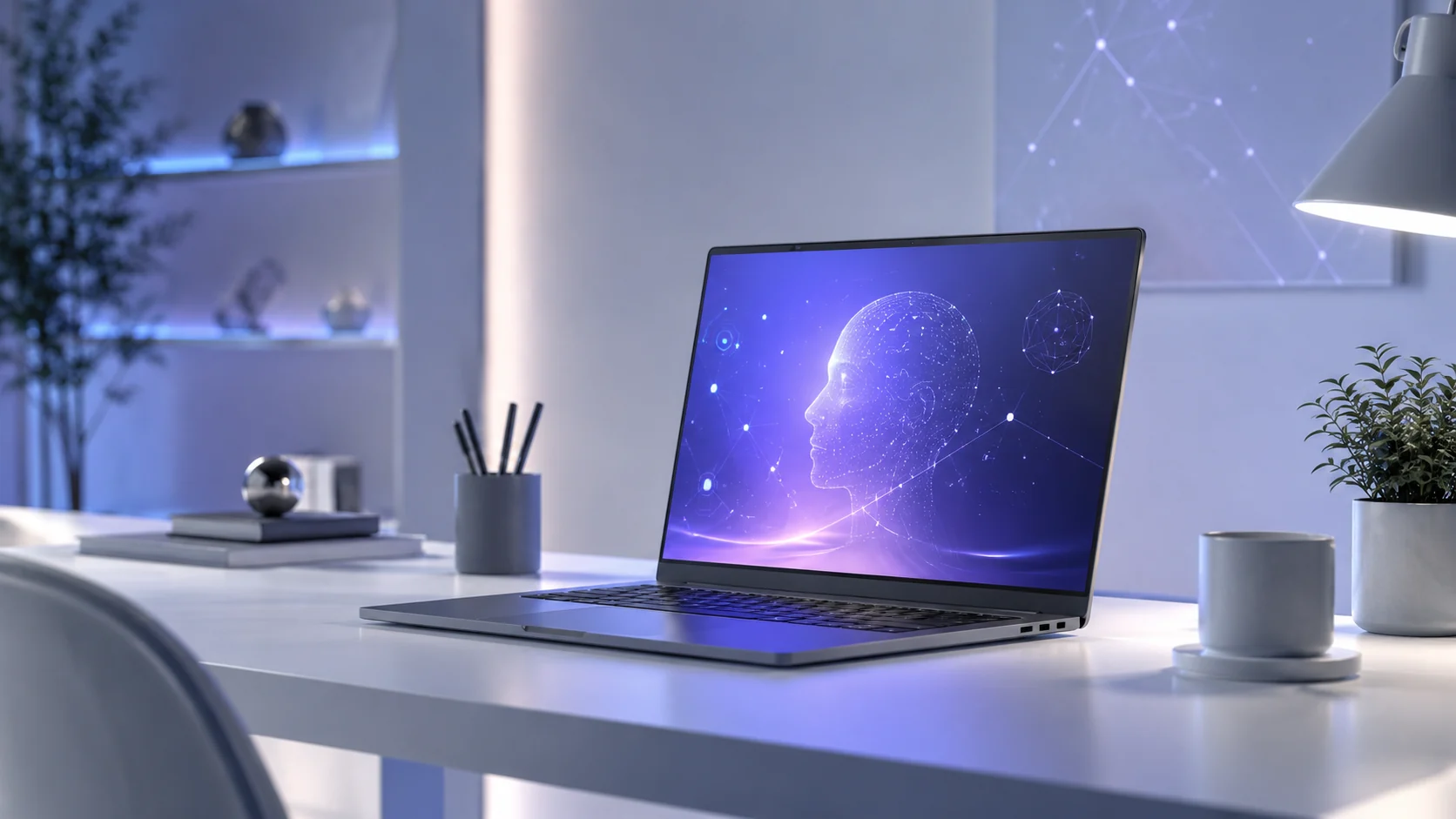
Midjourney remains a top choice for users who want highly stylised visual output. It is especially strong for concept visuals, moodboards and premium-looking AI imagery.
7. Canva
Best for: easy AI-enhanced graphic design.
Canva is one of the most accessible design tools for non-designers. Its AI features make it easier to generate layouts, edit visuals and speed up creative tasks without needing advanced design experience.
8. Zapier
Best for: simple business automation.
Zapier is still one of the easiest ways to connect tools and automate repetitive workflows. If you want a clean entry point into automation, it remains one of the most practical options.
9. Make
Best for: more advanced and visual automation workflows.
Make is often preferred by users who want more flexible logic and a more visual workflow builder. It can handle more advanced scenarios than many beginner automation tools.

10. Semrush AI Visibility
Best for: tracking AI search visibility and understanding brand presence across AI-driven search environments.
For marketers and publishers, Semrush AI Visibility is one of the more interesting additions in 2026. It helps monitor how brands appear in AI search experiences and can support strategy around search visibility beyond traditional rankings.
Best AI tools by use case
- Best for general use: ChatGPT
- Best for writing: Claude
- Best for research: Perplexity
- Best for coding: Cursor
- Best for images: Midjourney
- Best for design: Canva
- Best for automation: Zapier / Make
- Best for AI search marketing insights: Semrush AI Visibility
Are AI tools worth using in 2026?
Yes – if you choose them based on your actual needs. The best AI tool for a content marketer is not automatically the best one for a developer, researcher or designer. The key is to avoid using AI just because it is trendy and instead choose a tool that saves time or improves quality in a specific workflow.
Final thoughts
The AI tools landscape is moving fast, but a few products clearly stand out in 2026. If you want one all-purpose assistant, ChatGPT is still one of the most flexible choices. If you want stronger long-form writing and analysis, Claude is a great option. For research, Perplexity remains highly useful, while Cursor, Zapier, Make and Canva cover specialised workflows well.
If you are just getting started, choose one tool for your main workflow first, use it consistently and only then expand your stack.
FAQs
What is the best AI tool in 2026?
There is no single best tool for everyone, but ChatGPT, Claude, Gemini, Perplexity and Cursor are among the strongest all-round options depending on your use case.
Which AI tool is best for coding?
Cursor is one of the best AI coding tools in 2026, especially for developers who want faster coding, editing and problem-solving workflows.
Which AI tool is best for writing?
Claude is a strong choice for long-form writing, while ChatGPT is also highly useful for drafting, editing and idea generation.
Which AI tool is best for automation?
Zapier is excellent for simple automation, while Make is better for more advanced visual workflows.